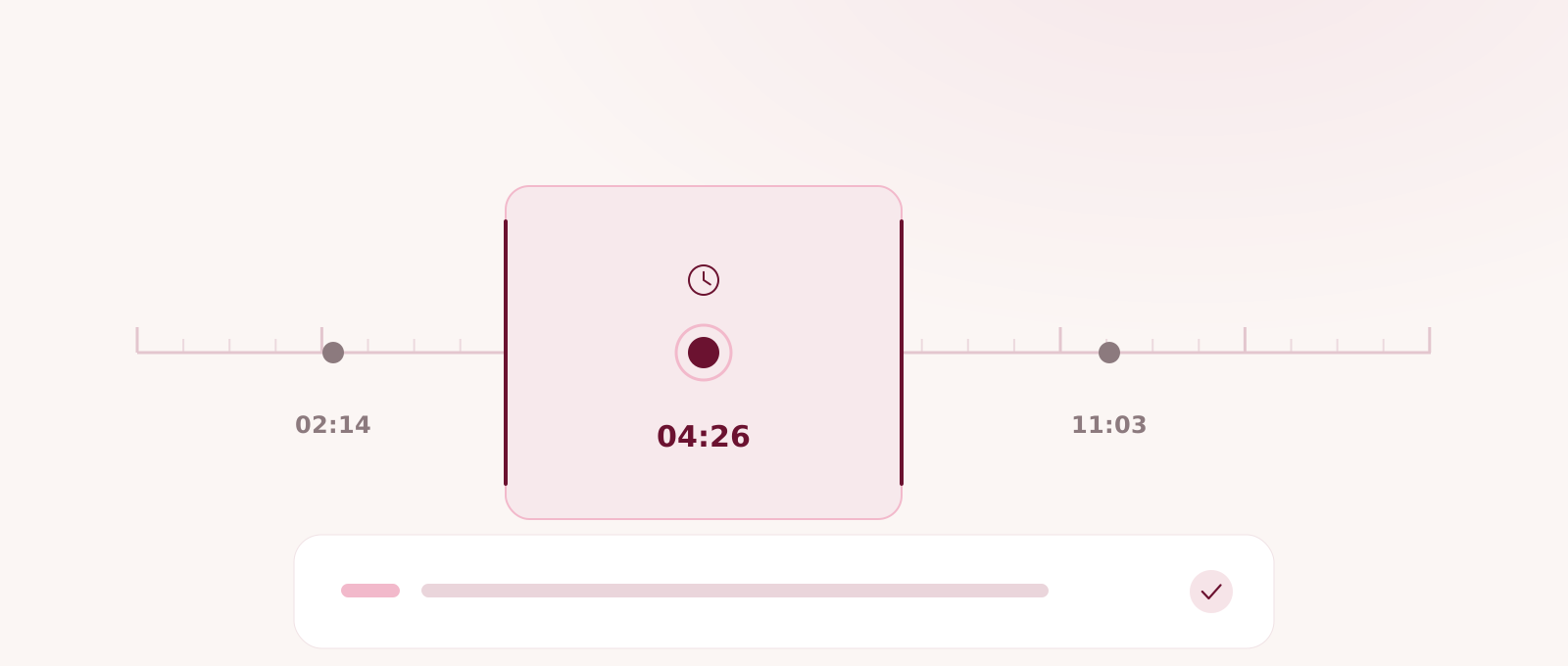
A timed transcript gives every spoken segment a place in the recording. That does not make the text self-verifying, but it does make a careful review easier to organise. Instead of replaying a long file from the beginning, you can mark important passages, use their displayed times to find the matching audio or video, and correct only what the source supports. The process remains a manual review: the recording is the evidence, and the timestamp is its coordinate.
Set the review target before you press play
Decide which mistakes would matter in the finished work. For an interview, that may be a person's name, an exact quote, a number, or the boundary between a question and an answer. For meeting notes, it may be language that distinguishes a suggestion from a decision or a possible action from an accepted task. A focused target keeps the review from turning into a line-by-line punctuation exercise.
Keep a short source sheet beside the transcript. Add confirmed spellings, project terms, known speaker roles, dates, and figures that appear in the recording. VoiceCut can show speaker labels, but a label that separates voices does not by itself establish a person's identity. Use the recording and reliable context rather than guessing from the label.
- List names, numbers, quotations, decisions, and dates that need a source check.
- Choose whether the final destination is a document, spreadsheet, structured file, or subtitle file.
- Treat the original recording as the source and the transcript as editable working text.
Read each timestamp as a coordinate
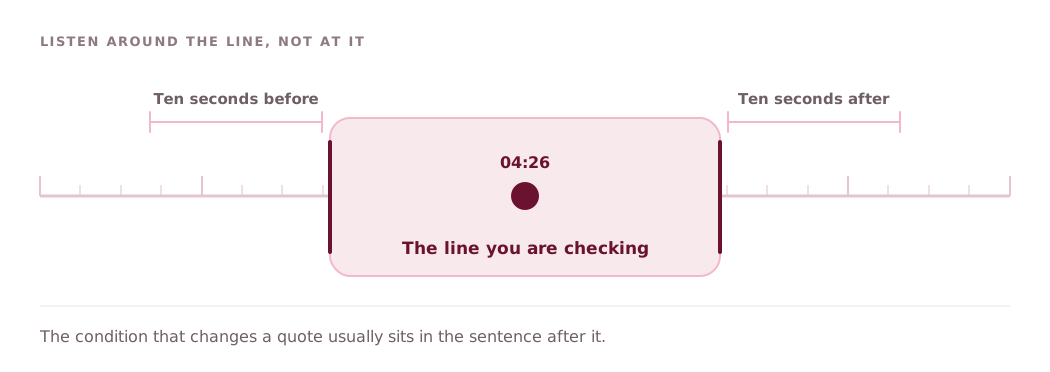
VoiceCut's complete transcript places timestamps and speaker labels beside the spoken text. Read the displayed start time as an address for that segment. To verify a line, position the player around that time and listen to enough audio before and after it to recover the full thought. A qualification may continue in the next segment, while a name or pronoun may depend on an earlier one.
Do not assume that every heading, question, decision, action, or other outcome section is a direct jump control. Those sections can help you scan the result, but the dependable manual method is to use the timed transcript as the map and move the player to the relevant place. If a passage spans several segments, record a start and end range rather than a single time.
- Start listening a little before the target segment.
- Check the next segment when a sentence or qualification continues.
- Write down a range for long answers or exchanges between speakers.
Build a small manual review queue
Scan the transcript once without stopping for every imperfection. Add a simple note for each passage worth hearing again: timestamp, issue, and expected source. Useful issue labels include name, figure, quote, speaker, decision, and unclear audio. Sorting those notes by time lets you move through the recording in order; sorting by consequence lets you check the highest-risk wording first.
This queue is a review habit, not an automatic VoiceCut feature. Do not wait for an automatic low-confidence list to decide what deserves attention. Confidence values may be present in structured or spreadsheet output, but a score cannot tell you whether a seemingly ordinary word is a critical surname, contract figure, or careful qualification. Human priorities still determine the queue.
- Record the displayed time, the suspected issue, and the person responsible for checking it.
- Separate passages that are unclear from passages that merely need spelling confirmation.
- Review consequential wording before cosmetic cleanup.
Replay short ranges and preserve context
Work through the queue in short ranges. Move the player to the noted time, listen once for the words, then again for meaning and speaker change if necessary. Headphones can help with quiet speech, but overlap, background noise, and unfamiliar terminology may still leave a passage unresolved. When the recording does not support a confident correction, keep an explicit note for a second reviewer or the speaker.
Context matters most when text will become a quote, decision, action, or caption. A sentence can sound final until the speaker adds a condition. A question can look like a statement after punctuation changes. Listen across segment boundaries and avoid polishing spoken language into a stronger claim than the recording contains. The goal is a faithful working transcript, not a rewritten performance.
- Listen for wording first, then attribution and meaning.
- Keep meaningful qualifications, uncertainty, and questions intact.
- Escalate unresolved names or overlapping speech instead of inventing a clean answer.
Correct the text, then verify the correction
When the audio supports a change, edit the transcript text and replay the passage once more. Confirm that the correction still fits the neighbouring words and that punctuation has not changed the intent. If the issue is a speaker's identity, use your source sheet and the conversation itself; do not treat a generic speaker label as proof of a name or promise that speaker names can be changed independently.
Keep a compact record of consequential edits outside the prose: old wording, new wording, timestamp, and reason. This is especially useful when another person must approve a quote or meeting outcome. The transcript timestamp gives that reviewer a shared coordinate, even though the heading or outcome itself may not provide a one-click route to the evidence.
- Change text only when the recording or a reliable reference supports it.
- Replay the corrected line with adjacent context.
- Retain a timestamped note for disputed or approved wording.
Close the review before you export
Run a final pass over the passages that will be published, assigned, quoted, or turned into subtitles. Confirm names, numbers, speaker labels, timestamps, and surrounding context. Draft decisions and actions should remain drafts until a person confirms them. If a later summary or document was produced from an earlier transcript revision, compare it with the corrected text rather than assuming it updated itself.
Choose the export for the next job. TXT, Markdown, or DOCX suits reading and editorial handoff; XLSX makes segments easier to filter; JSON preserves structured fields for another system; SRT and VTT carry subtitle cues from transcript segment boundaries. Open the exported file and spot-check the same high-consequence passages. A careful timestamp workflow ends only when the delivered file still matches the reviewed transcript.
- Confirm every quotation and attributed statement against the recording.
- Check the exported file rather than relying on its filename or format alone.
- Keep the source recording and review notes according to your own retention rules.
Review a timed transcript in VoiceCut
New accounts receive 30 trial minutes. No payment card is required.